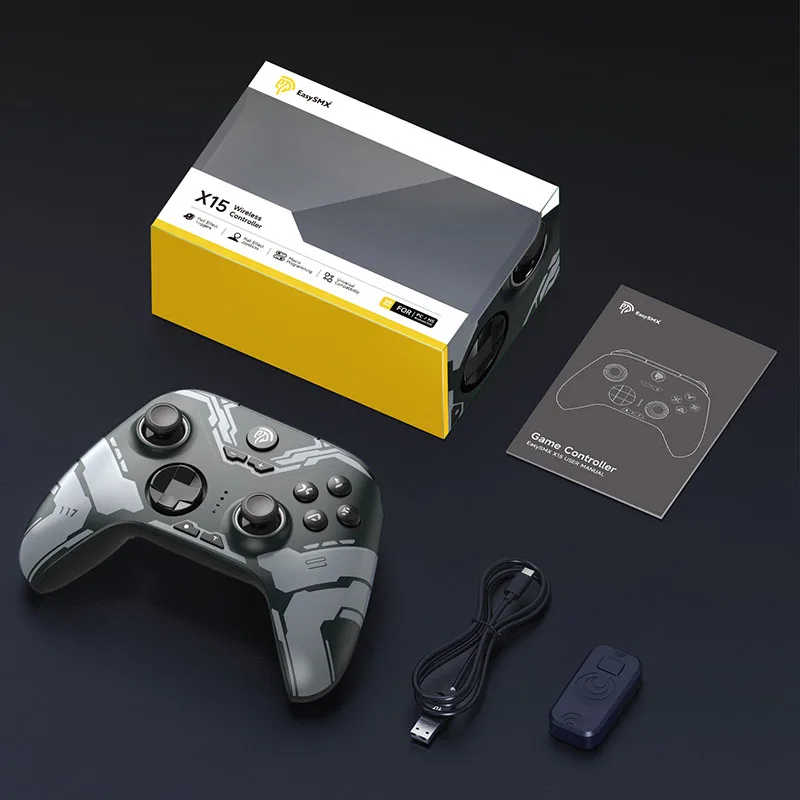


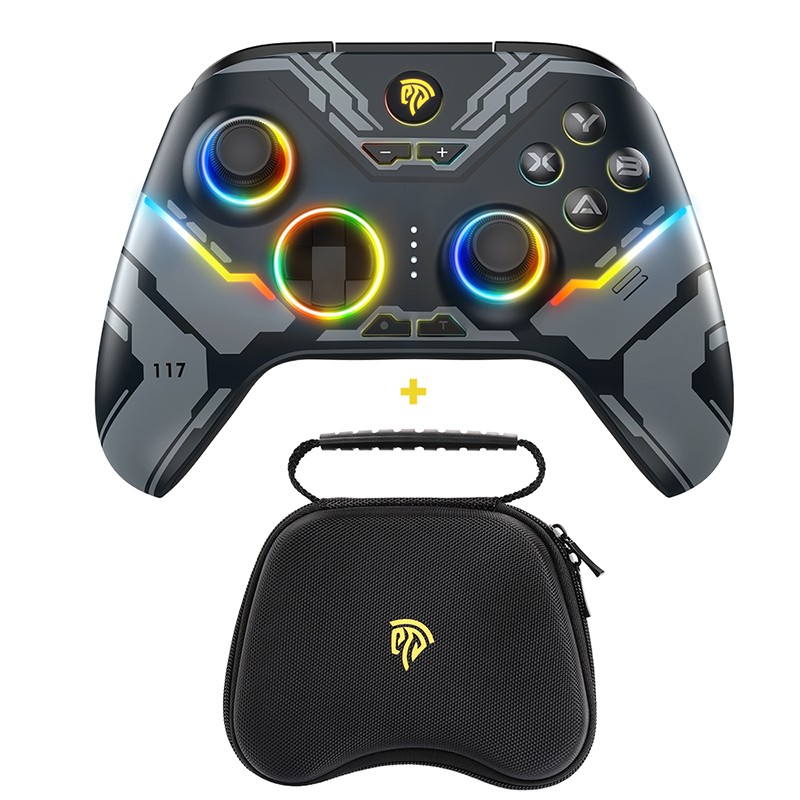
EasySMX X15 Wireless Gamepad - Bluetooth Gaming Controller with RGB Light
$71.99 AUD
Approx $50.75 USD
Description:
Product Detail:
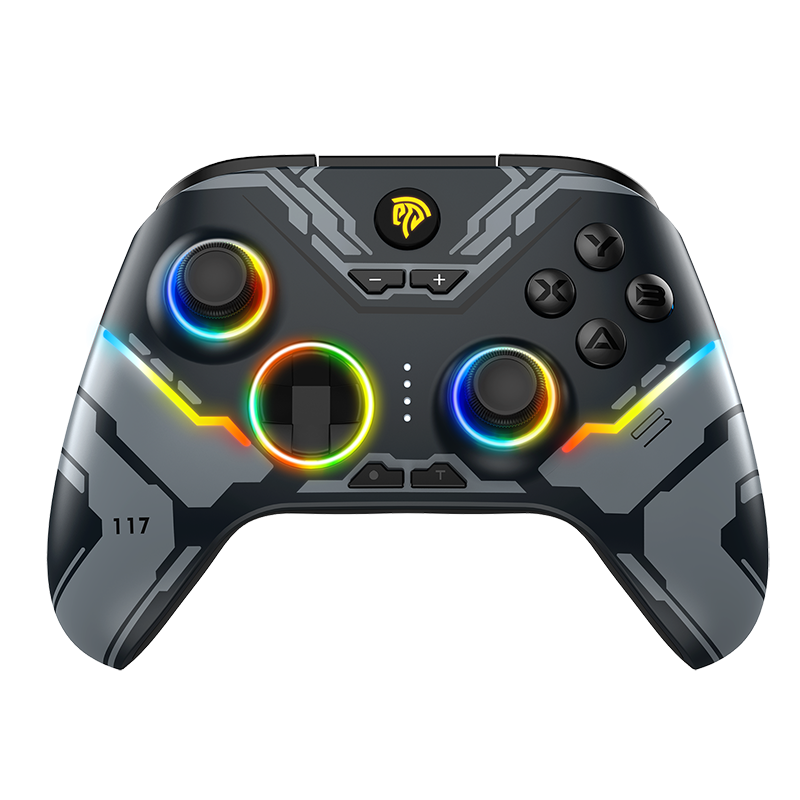
The EasySMX X15 wireless gamepad is a versatile Bluetooth gaming controller compatible with PC, phone, and Nintendo Switch. It features Hall effect joysticks for precise control and RGB lighting for a stylish gaming experience. With its ergonomic design and responsive buttons, it provides comfort and performance for all your gaming needs.Connection How-to Video
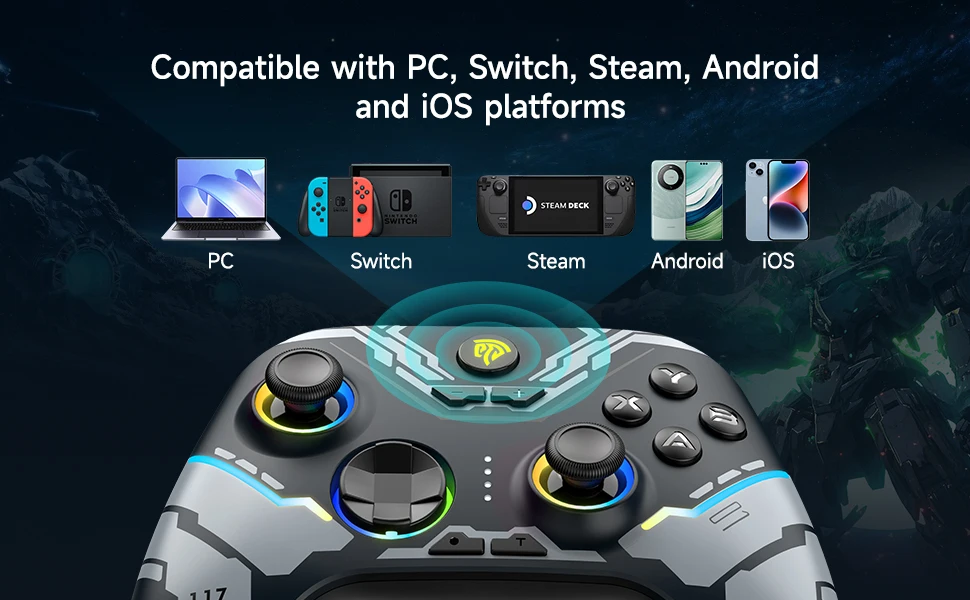
Multi-Platform Compatibility: Compatible with PC Windows systems, Nintendo Switch, Android and iOS mobile phones, and Steam Deck.
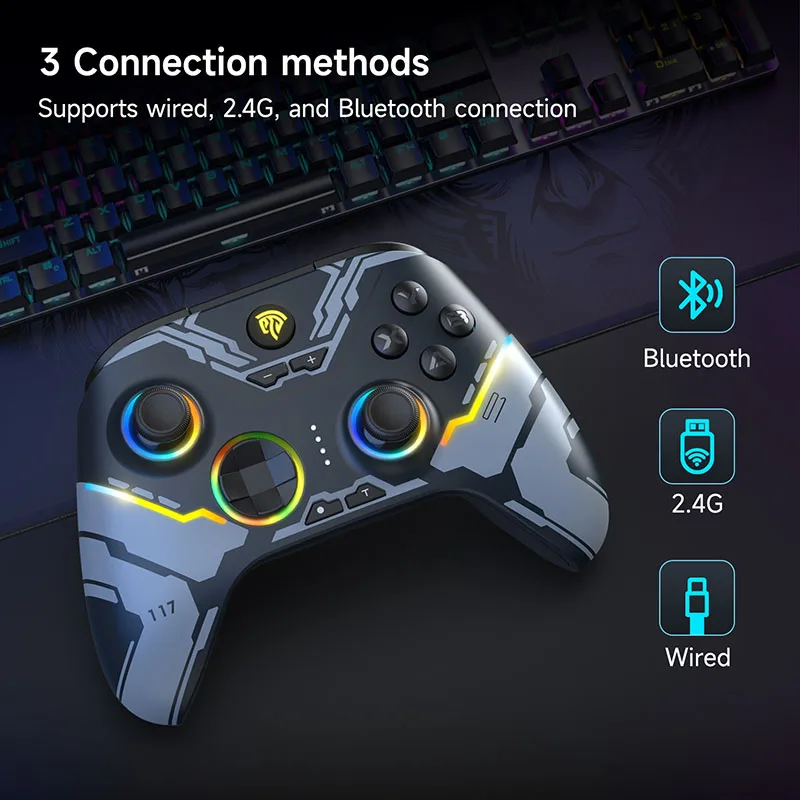
Three-Mode Connection: Supports three connection methods: Bluetooth, wired, and 2.4G. Players can choose the connection method that suits
them.
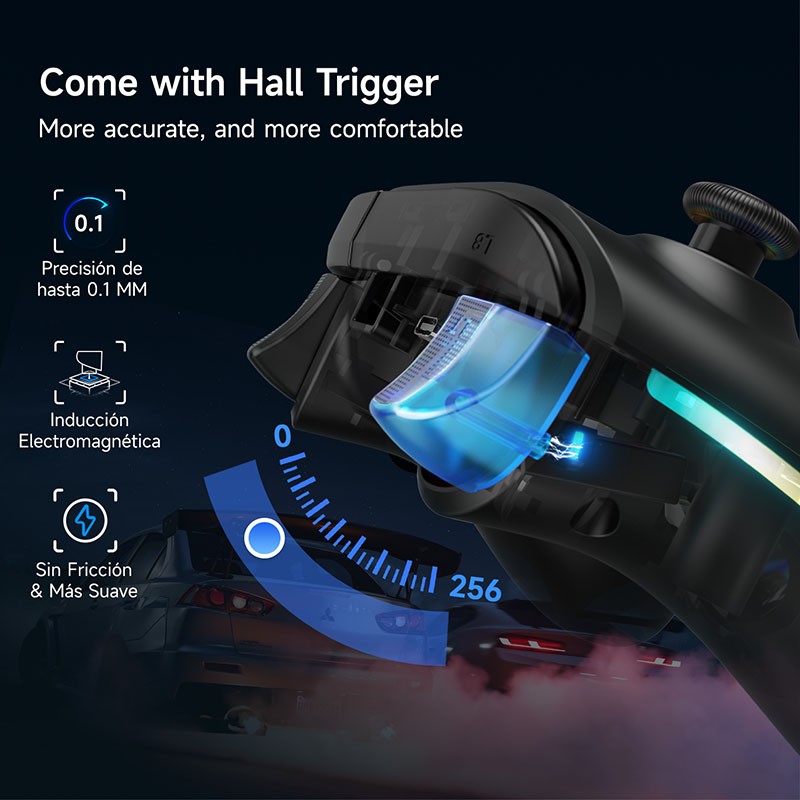
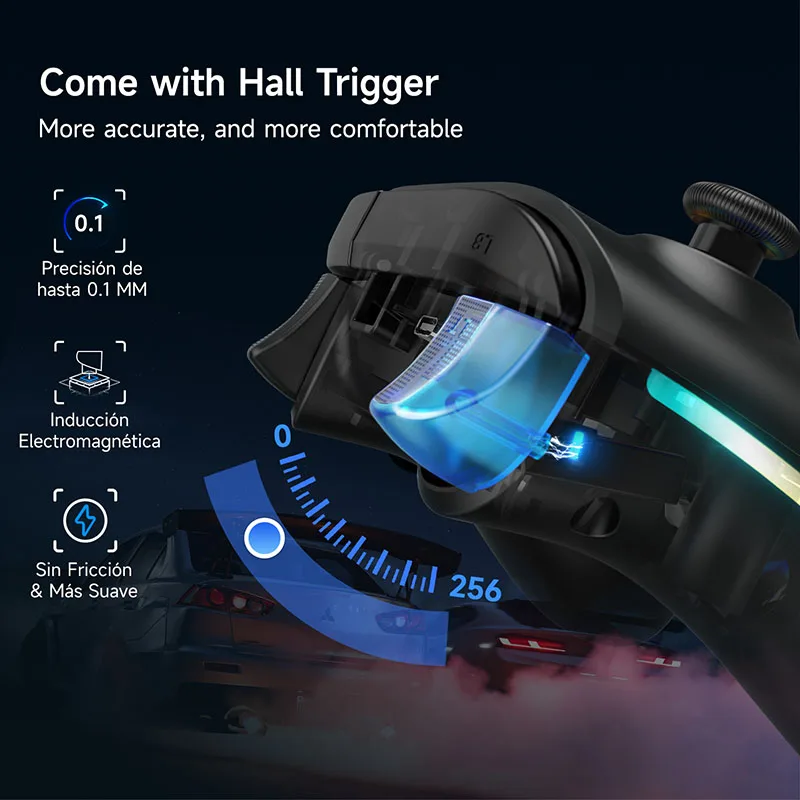
Dual Hall Configuration: Equipped with dual Hall configuration, including Hall trigger and Hall rocker. This configuration makes the control
more precise and avoids the problem of cursor drift in the game.
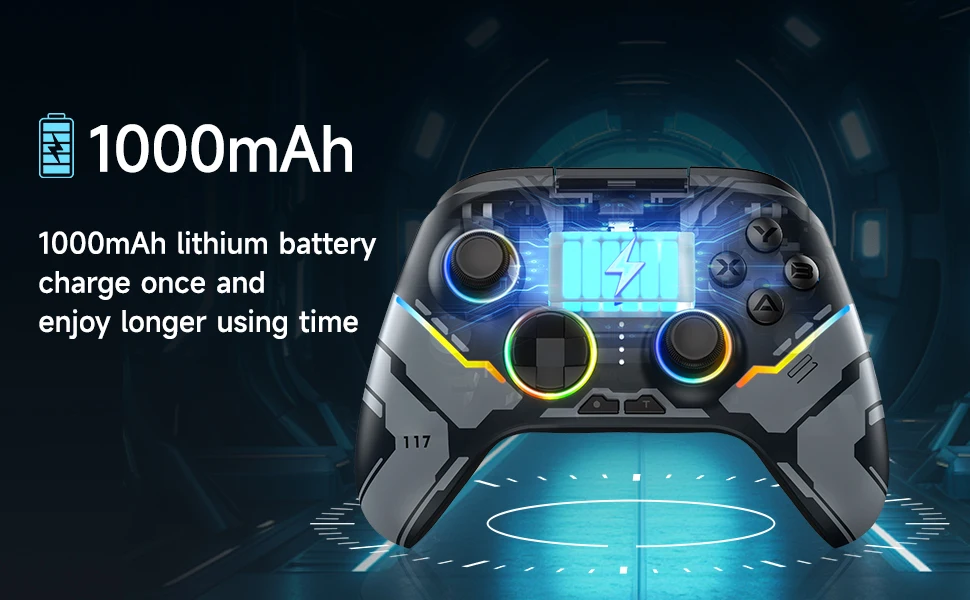
Ultra-Long Standby: Built-in 1000mAh large-capacity battery, it only needs to be charged for 2 hours and can be used for up to 30 hours,
giving you ultra-long standby time.
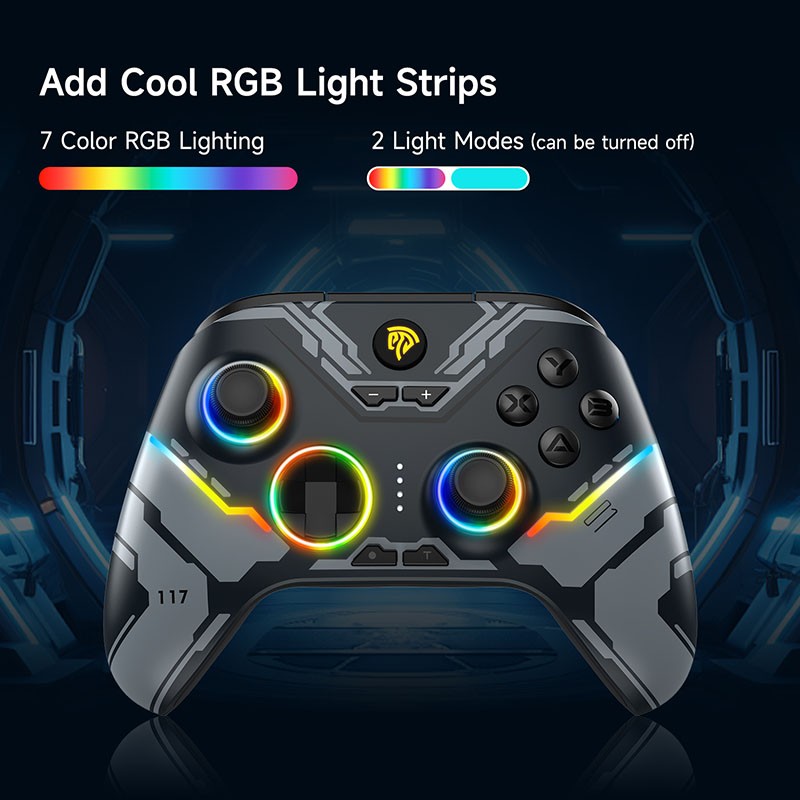
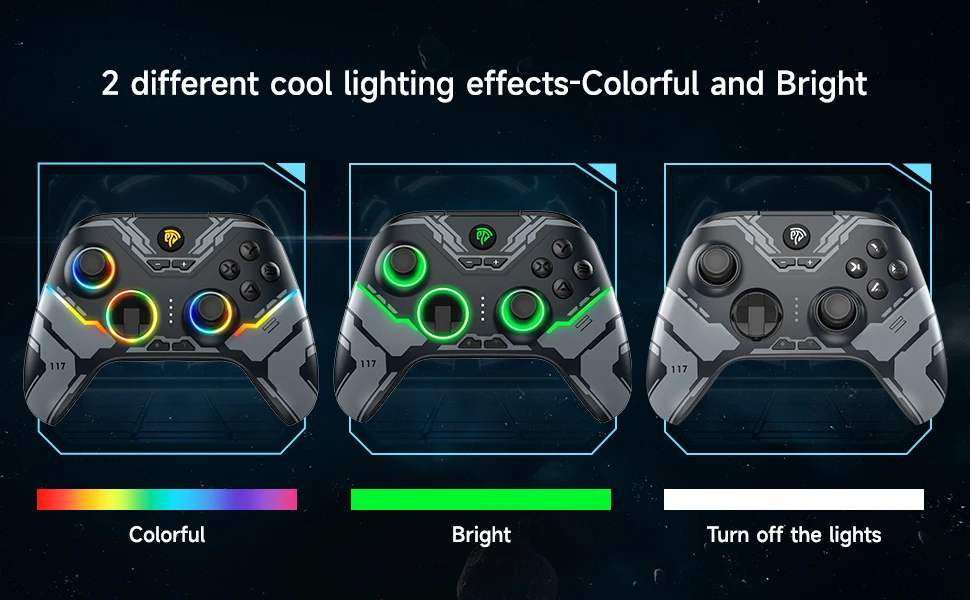
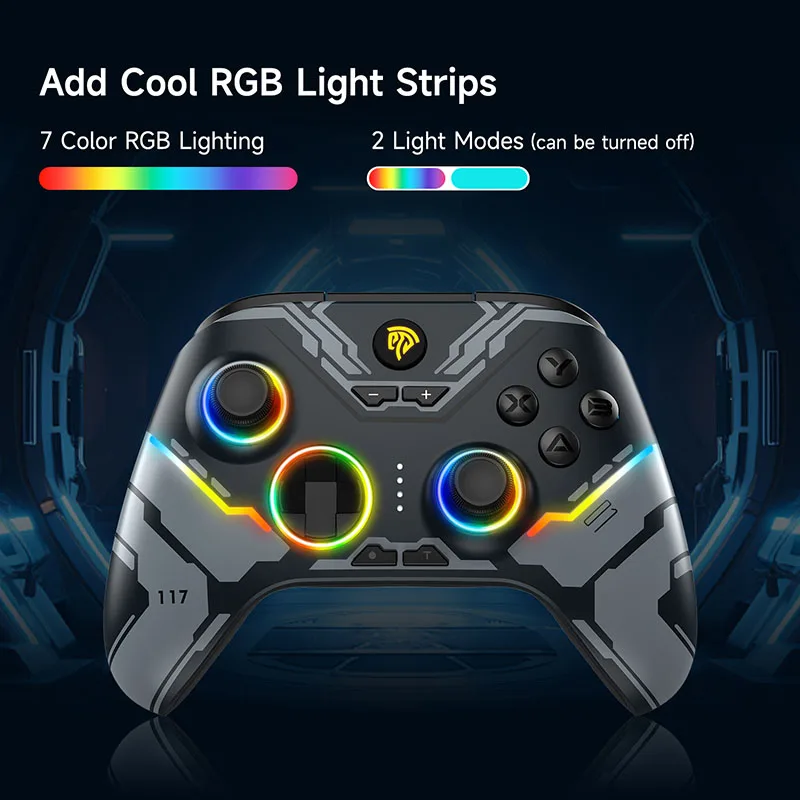
RGB Lighting Effect: Equipped with 7 different RGB lights, it supports two lighting modes: mixed color and single color. The light color is
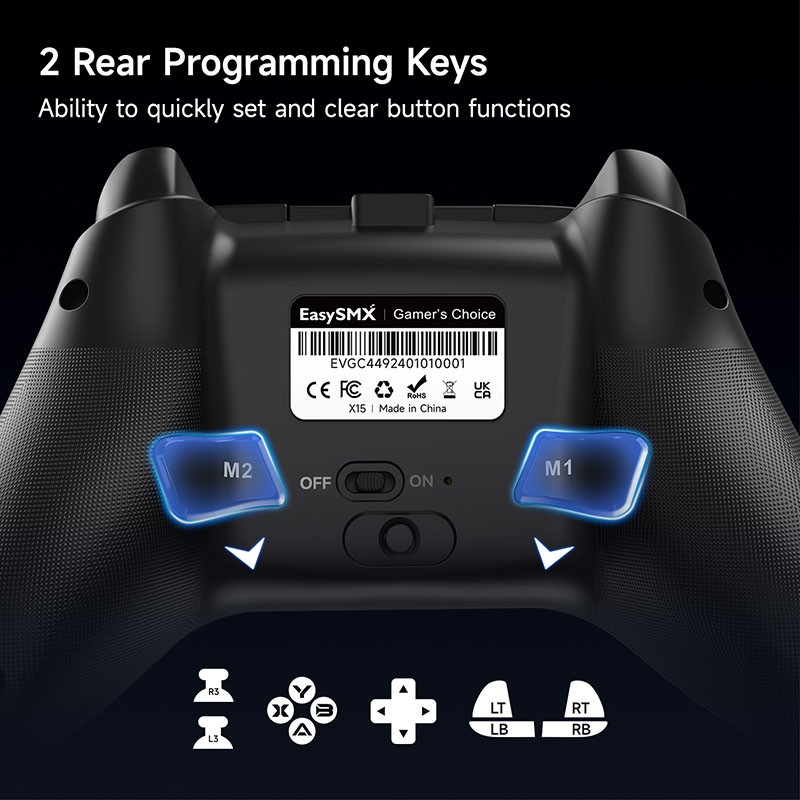
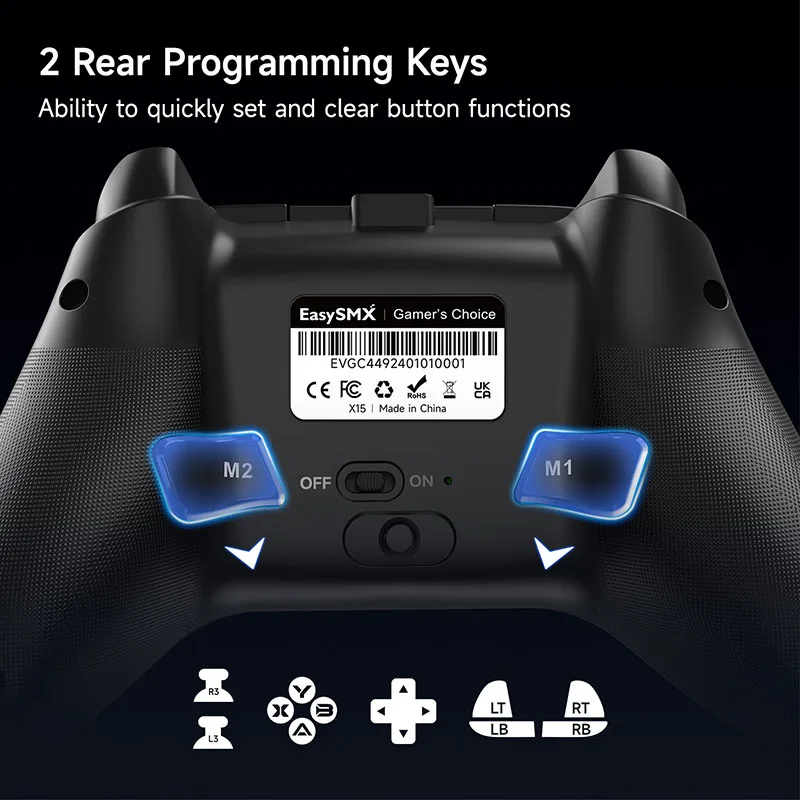
adjustable and the mode can be switched. There is a light switch button on the back of the handle, which can turn the light on/off freely.
ABXY Key Swap Function: Press "B" + "—" + "+" at the same time, and the ABXY key value can be switched between the PC key layout and the
Switch key layout.
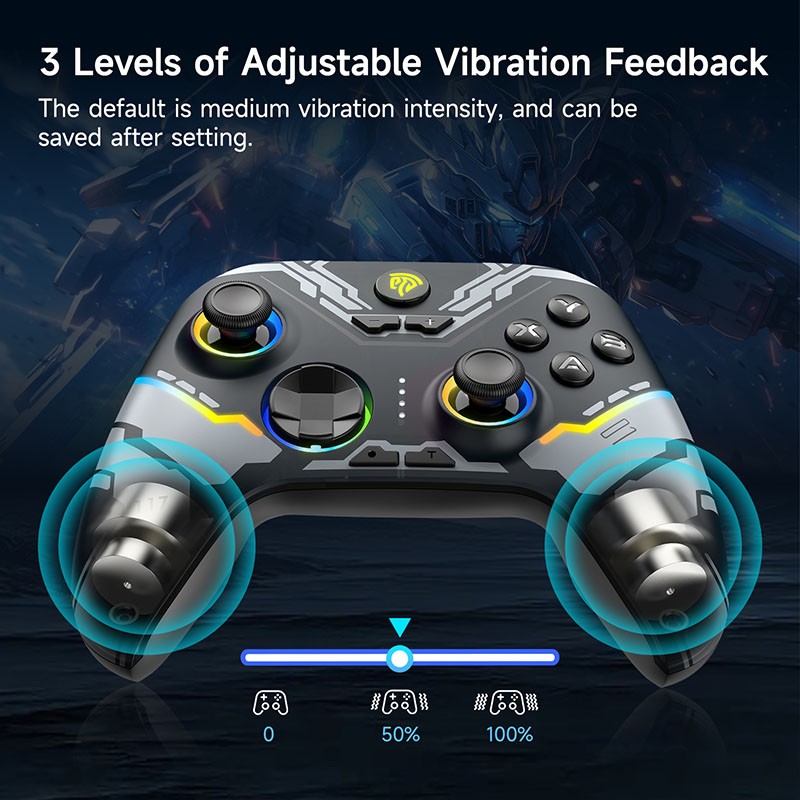
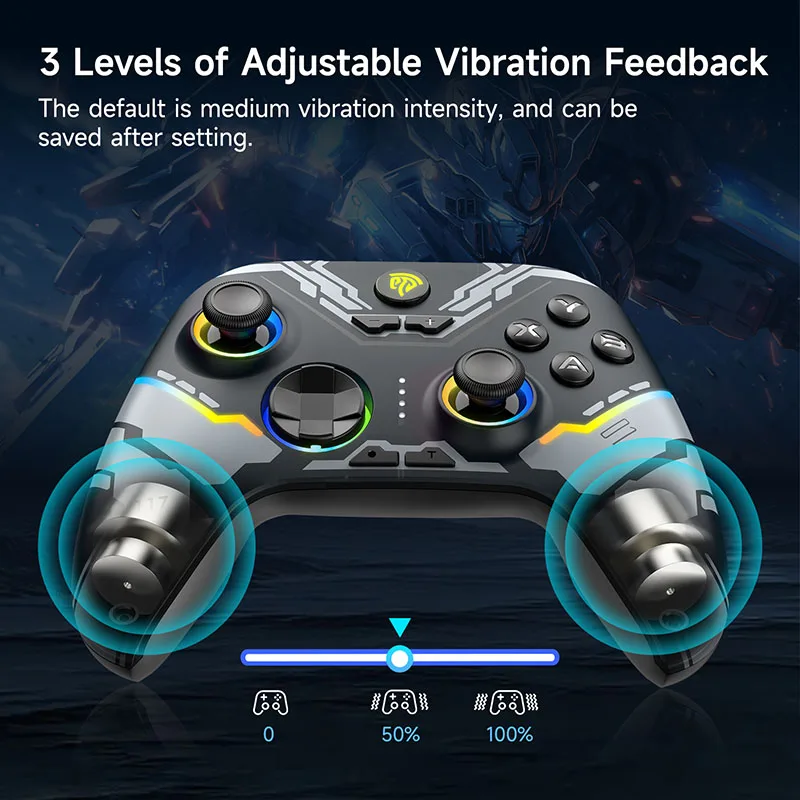
Vibration Adjustment Function: Supports three levels of adjustable vibration: "0%", "50%", and "100%". Players can freely adjust according
to their own preferences.

Lighting Setting
RGB Light On/Off: Toggle the RGB Lights Switch to turn on/off the RGB lights.
Light Mode: Press "-"+"D pad UP"button to adjust lighting to "Colorful" mode Switching;Press "-"+"D pad Down" button to adjust lighting to
"Steady" mode.
Color Adjustment: Press "-"+"D pad Left" to adjust lighting color in a Positive direction; Press "-"+"D pad Right" to adjust lighting color
in a Negative direction
Brightness Adjustment: Press "-"+"left joystick UP" button to increase the brightness; Press "-"+"left joystick Down" button to reduce the
brightness
What's Included in Box
1 x X15 Gaming Controller
1 x USB Receiver
1 x Type C Cable
1 x User Manual